Stealed v1.0
First official release: guided onboarding, domain management, faceted filters, leak detail view, API code generation, Public Exposure, new chart system, unlimited retention, and PDF export.
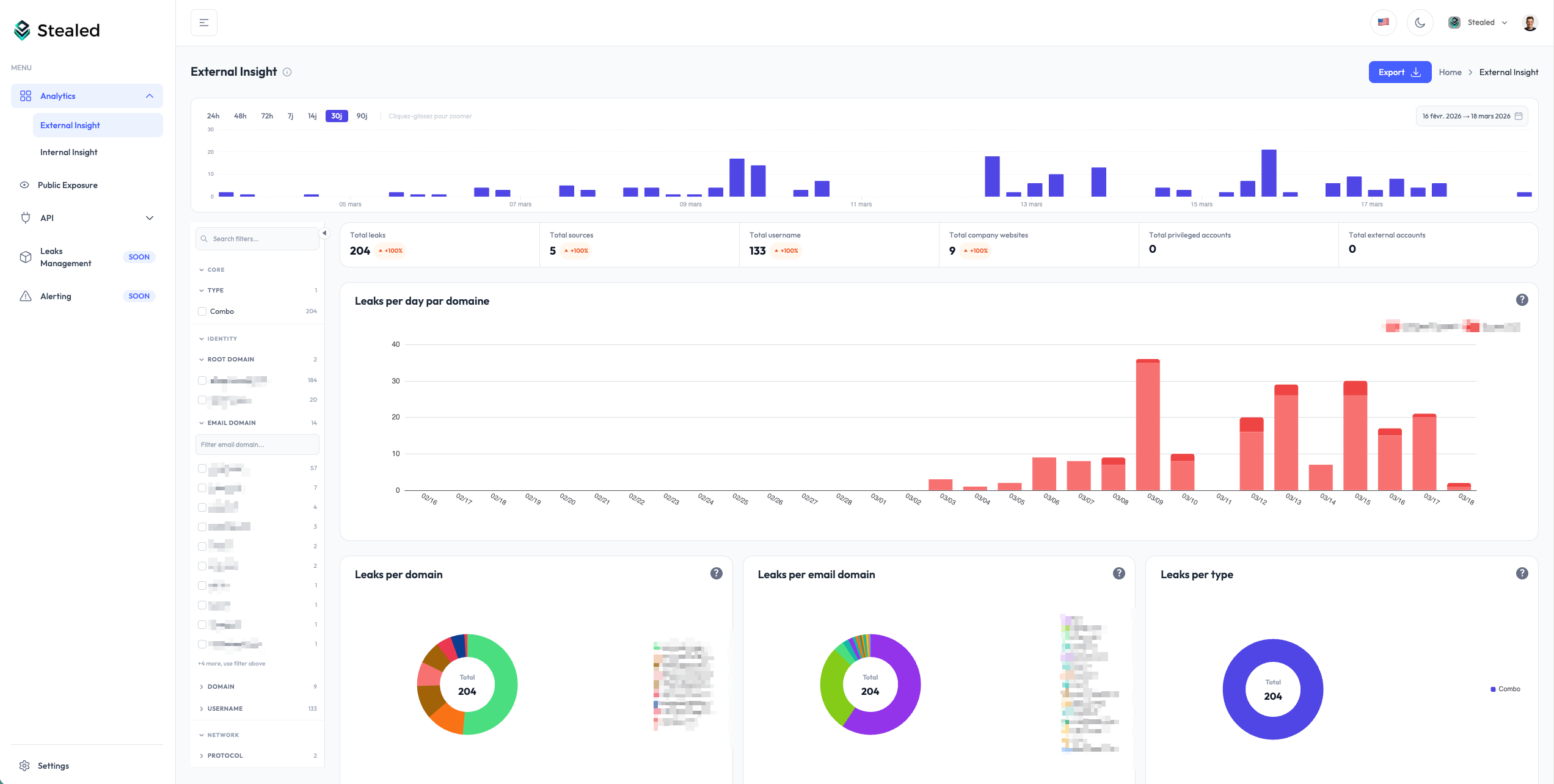
Guided onboarding
A configuration assistant walks new organizations through:
- Creating the organization
- Adding and verifying the first domain
- Reaching the dashboard with data
The assistant resumes where you left off if you exit mid-flow.
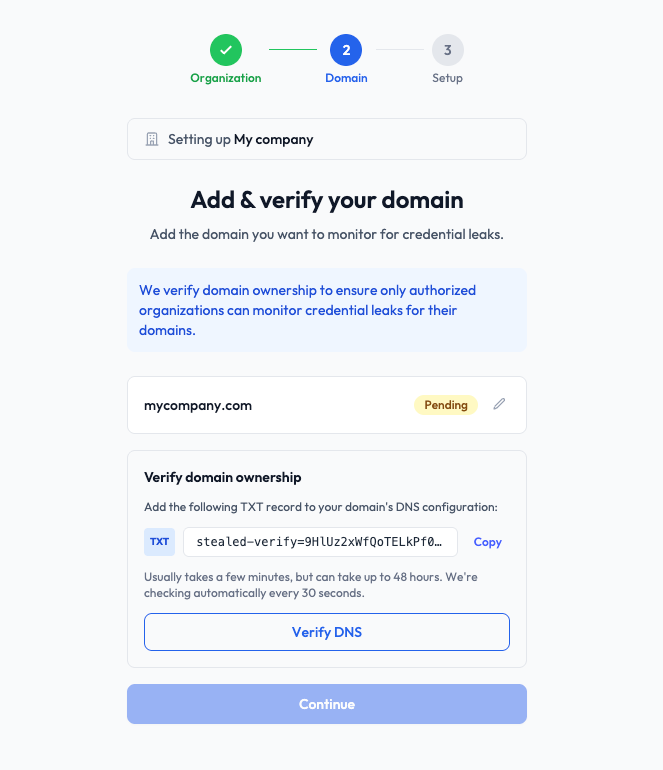
Monitored domain management
From the Settings page, add or remove monitored domains at any time.
When a domain is verified, the full history of existing leaks is automatically attached to your workspace. Data is available immediately, with no waiting period.
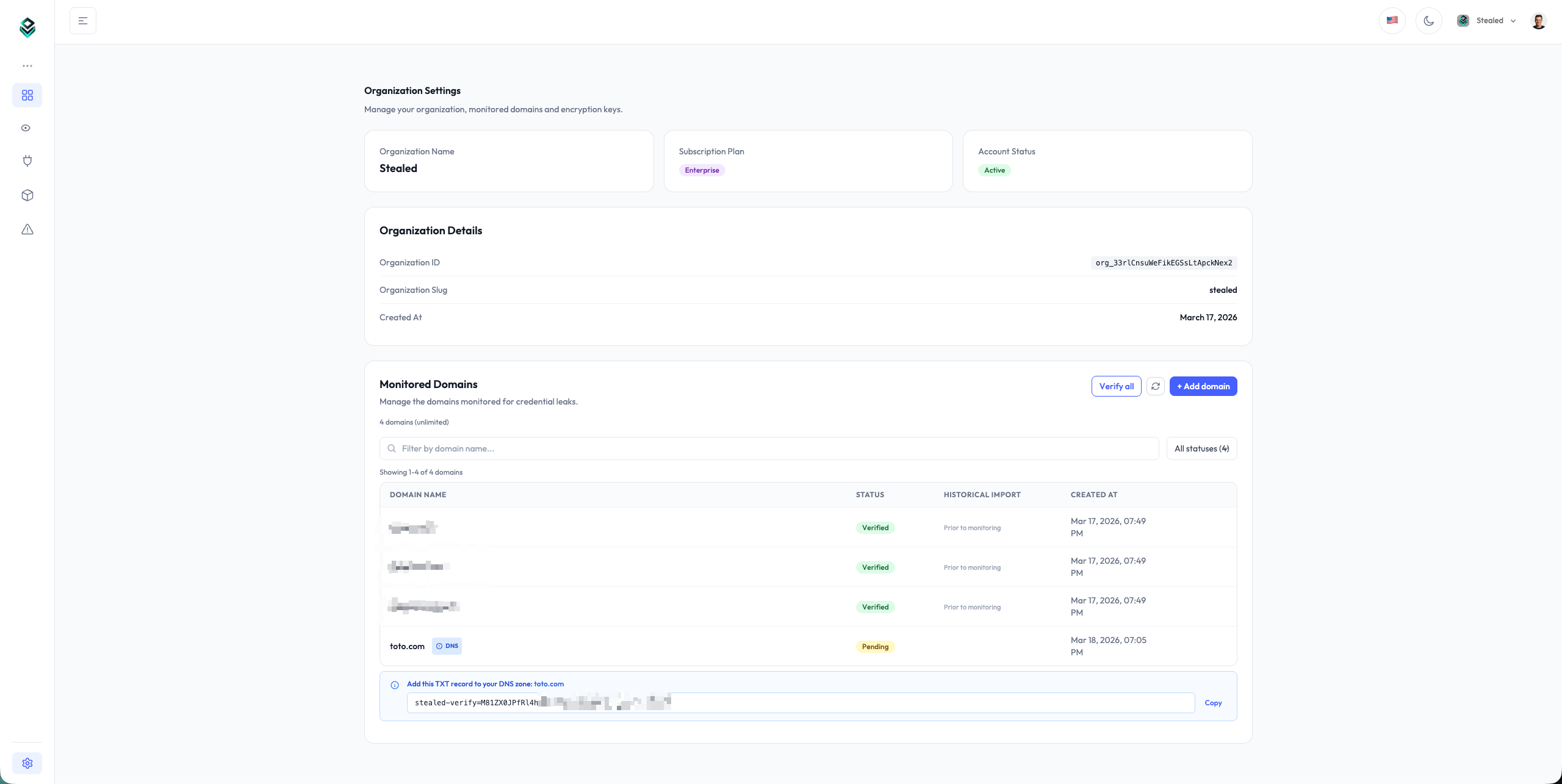
Faceted filters
A side filter panel is available on every analytics view. Filters are organized by category:
- Core: leak type (Combo / Stealer)
- Identity: root domain, email domain, domain, username
- Network: protocol
- Stealer: stealer family, country
Click a value to filter instantly. Each category shows the number of available values and includes a search bar to quickly find a filter among hundreds of values.
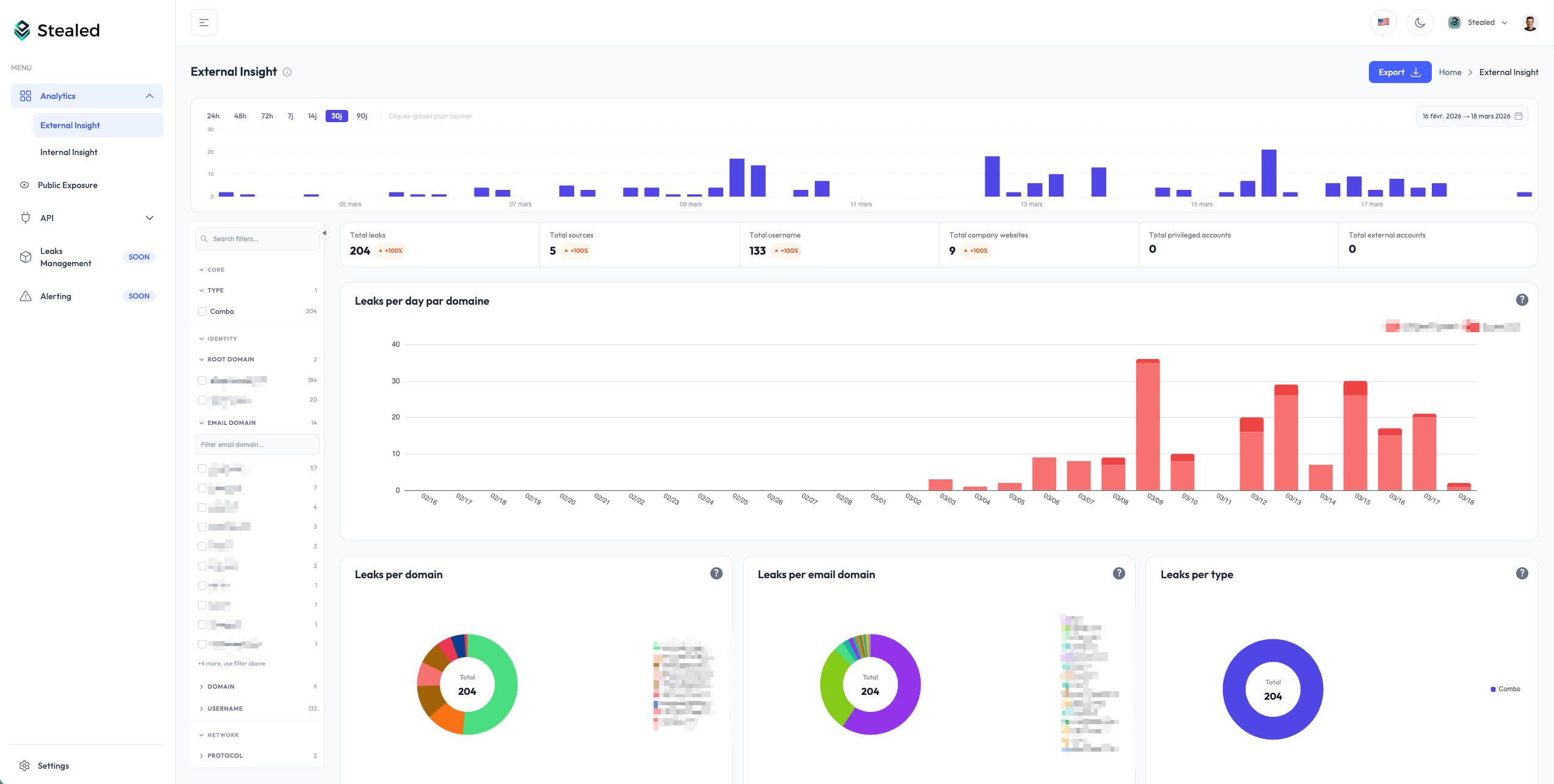
Detailed leak view
The leak view has been completely redesigned.
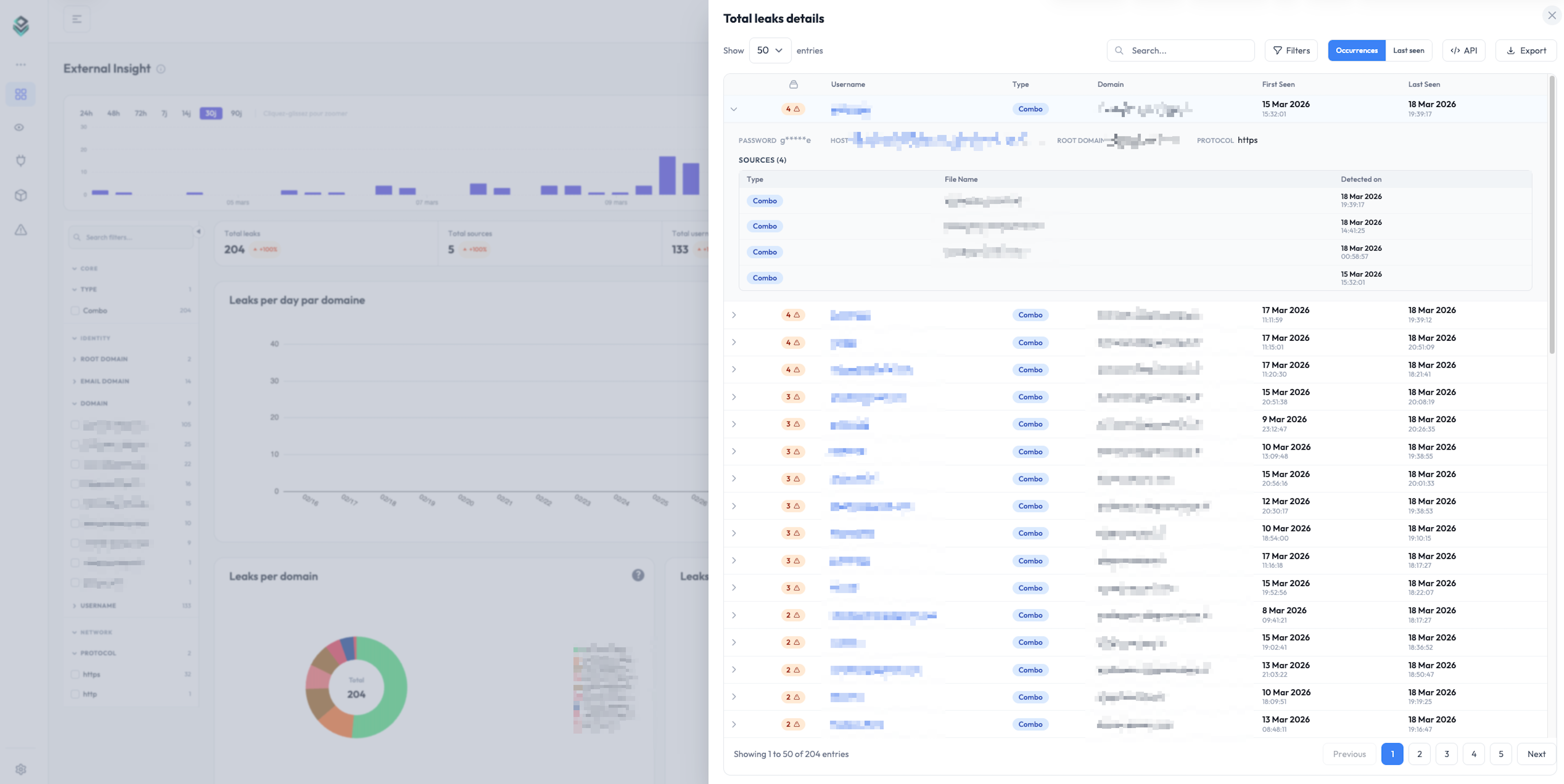
Automatic grouping: identical leaks (same identifier, same hostname, same password) are merged into a single row with an occurrence counter. Expand a row to access the full detail: masked password, host, root domain, email domain, protocol.
Source history: click “Load sources” to see each individual detection with its date, type, and source file. You can trace the complete history of a leak, from its first appearance to the latest.
First Seen / Last Seen: every leak shows its first and last detection dates so you can quickly assess whether it is recent or persistent.
“New Leaks Since” filter
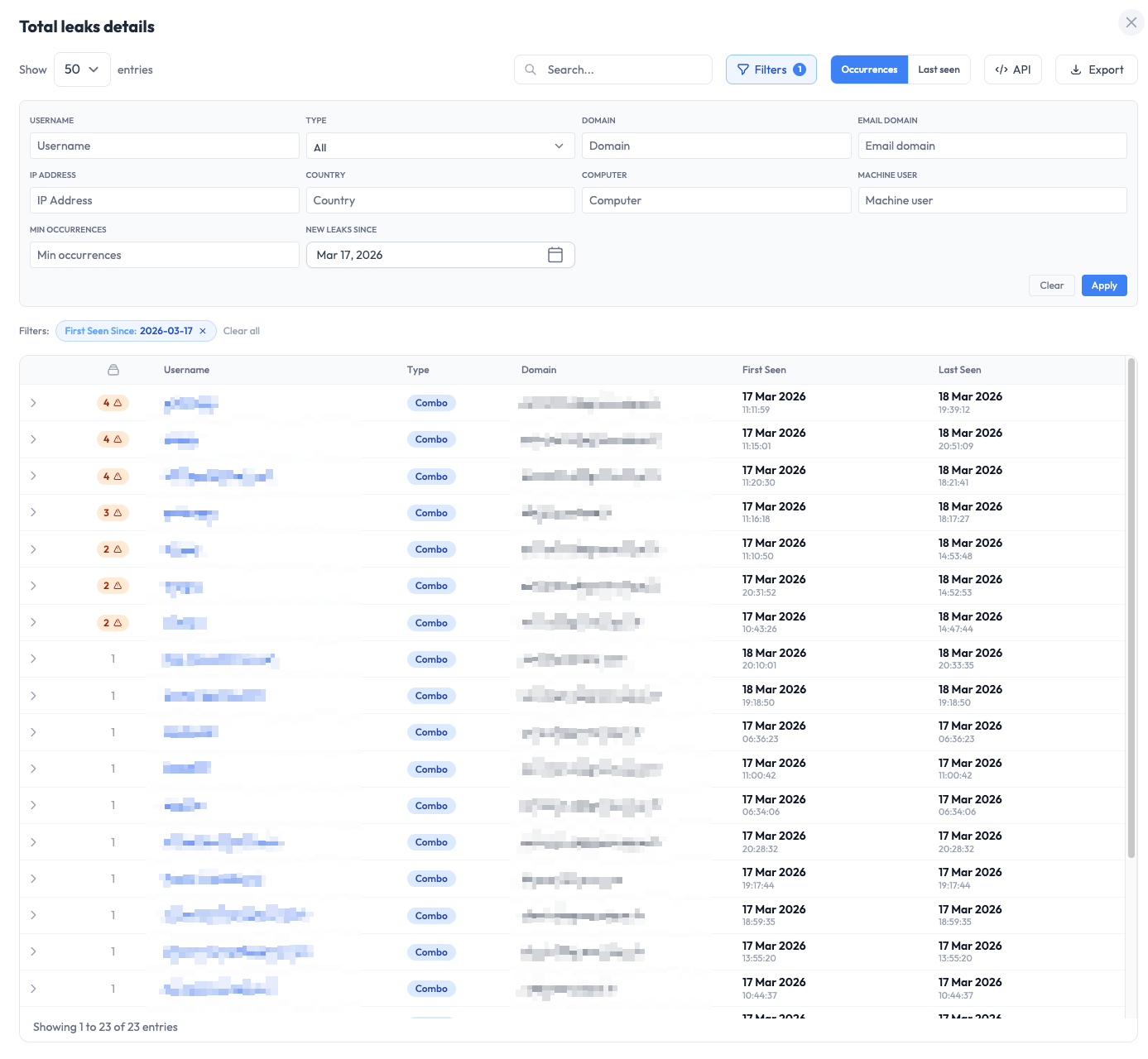
In detail tables, a “New Leaks Since” filter isolates only leaks that appeared after a given date.
Combined with the dashboard date range, this filter lets you, for example, browse the last 90 days but display only leaks new since 3 days ago.
It’s particularly useful for API integrations: by filtering leaks new since the last sync, you avoid reprocessing data you already have.
Automatic API call generation
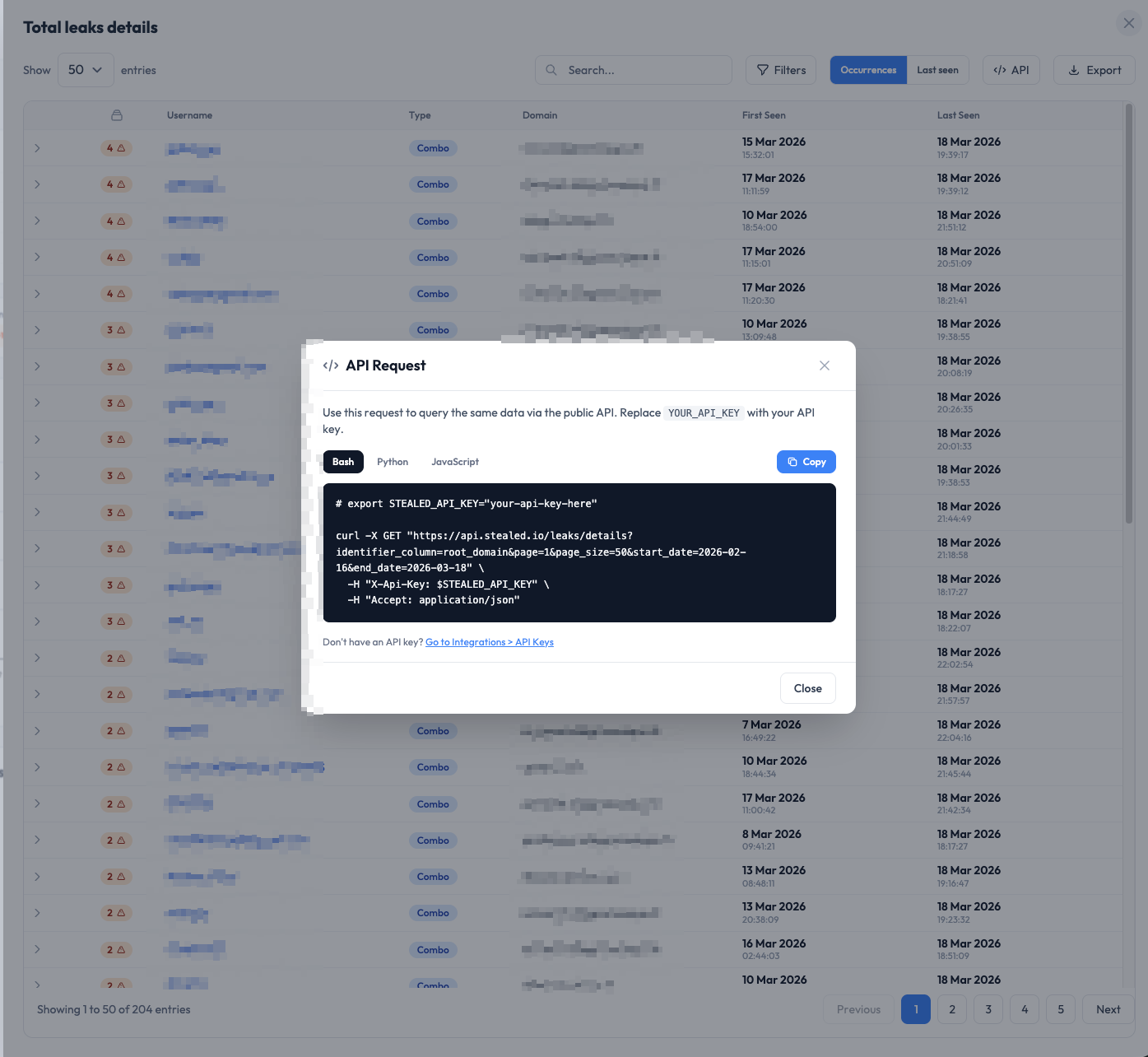
From any detail table, click “API” to automatically generate the call code matching your current view.
All applied filters (domain, date, type, “New Leaks Since”…) are baked into the generated snippet, available in Bash, Python, and JavaScript. Just replace the API key and paste the code into your system.
The workflow: explore your data in the dashboard, refine with filters, then export the API request in one click to plug it into your internal tools.
Public Exposure: multi-domain scan
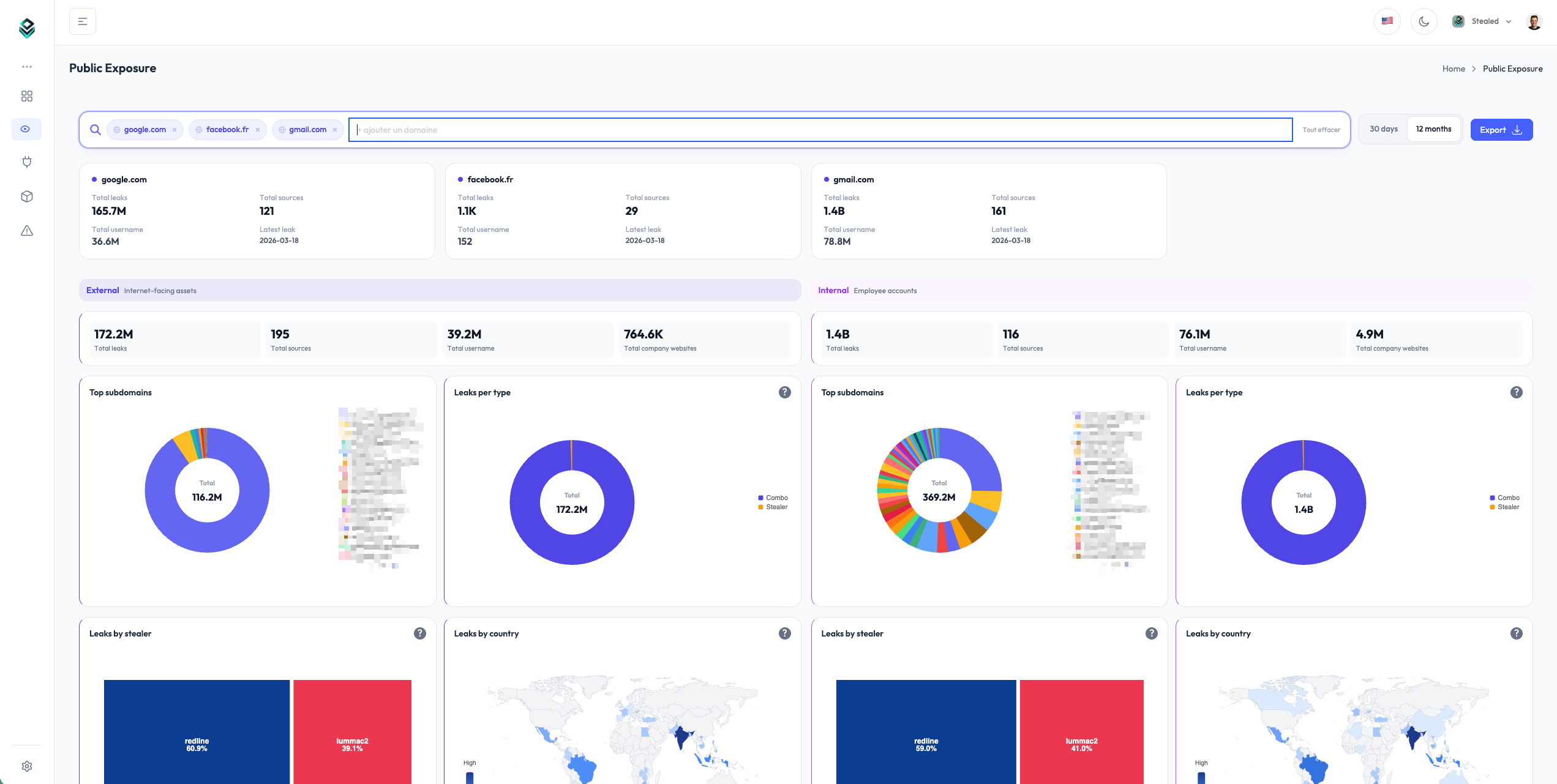
The Public Exposure page lets you look up exposure statistics for any domain, including ones you don’t own. No individual data is shown — only aggregated metrics.
- Compare multiple domains side by side
- Separate External view (internet-exposed assets) and Internal view (employee accounts)
- Per-domain metrics: total leaks, sources, usernames, company websites
- Breakdown by subdomain, leak type, stealer family, country
- Adjustable timeframe: 30 days or 12 months
New chart system
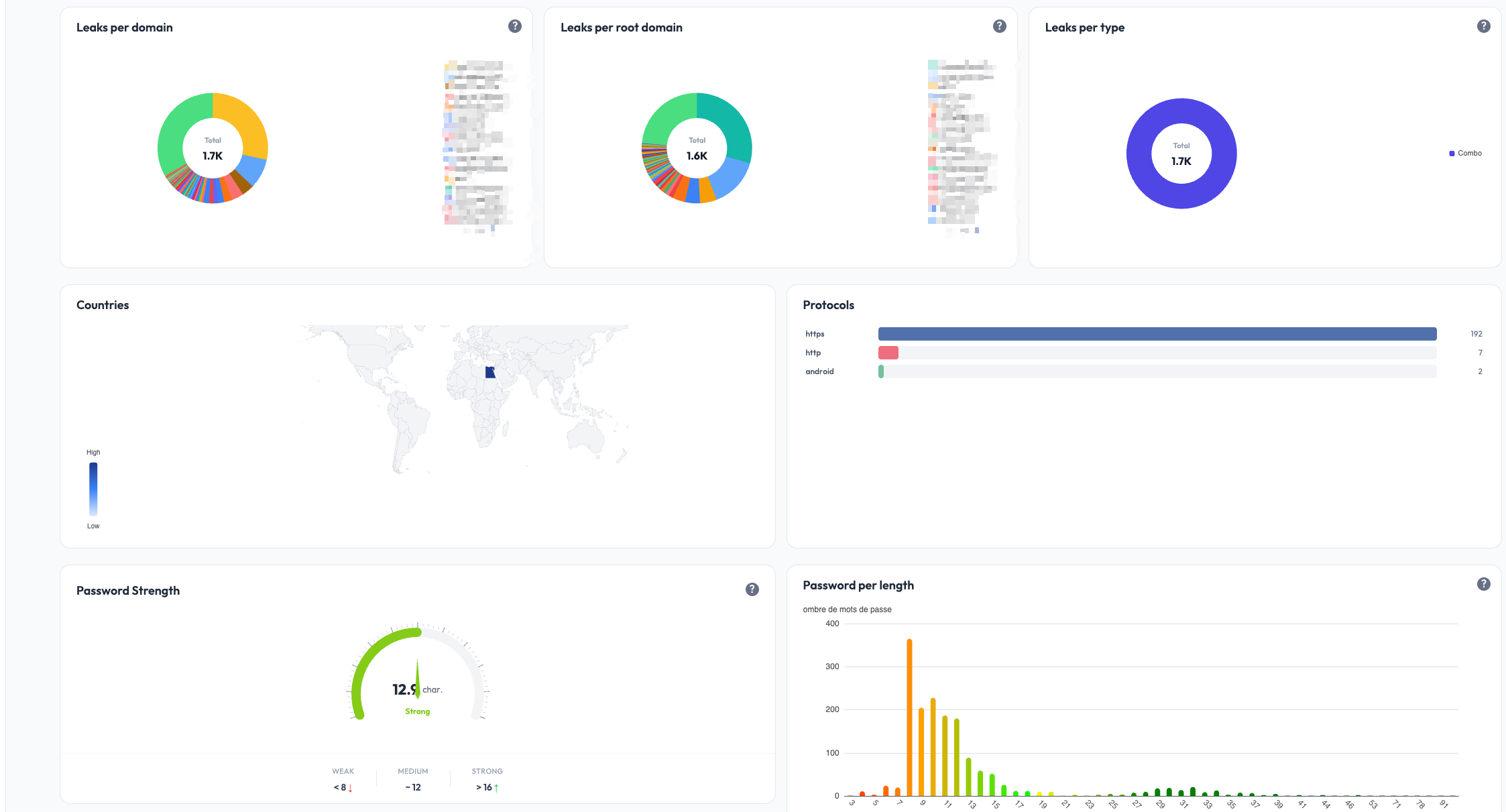
All charts have been rebuilt on a new visualization library for better readability and a more consistent interface.
- World map of leaks by country with heatmap
- Stealer family treemap
- Ranked horizontal bars for Top-N (replaces pie charts)
- Side panel to explore details without leaving the main view
- Drill-down navigation: click an identifier to see all of its occurrences
- Dark mode across every chart
Performance
Load times have been completely reworked. Previously, the dashboard became unusable beyond a few tens of thousands of leaks. That is no longer the case: tables now use server-side pagination with built-in search and sort, and the dashboard stays smooth regardless of volume.
Data retention
Retention moves from 14 days to unlimited. You keep the entirety of your leak history with no data loss.
PDF export
The new charts export faithfully to PDF with automatic detection of which sections to include.